Adding smarts to Google Sheets
Did you know you can add your own functions to a Google Sheet spreadsheet?
Let’s say you have a list of place names (which for this example just happen to be libraries):
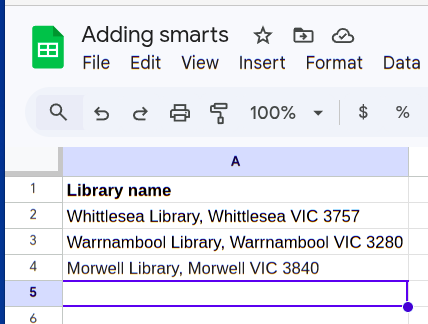
And let’s say you want to find the latitude and longitude for these places. (Why? Let’s find out later).
We can enter this place name into Google Maps, and the lat/long will be in the URL:
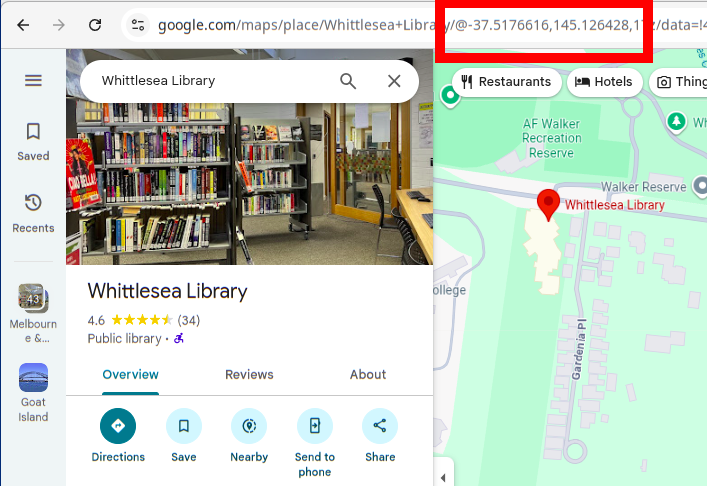
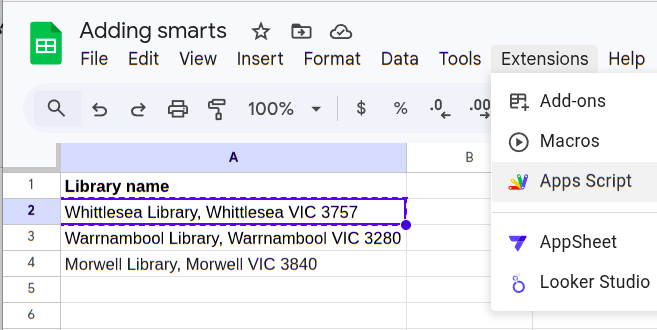
How can we do this inside a spreadsheet? Well, with Google Sheet spreadsheets, you can write new functions in Javascript (which Google calls Apps Script), and call them from the sheet. Let’s open Apps Script for this sheet:
Then you see the App Script environment in a new tab:
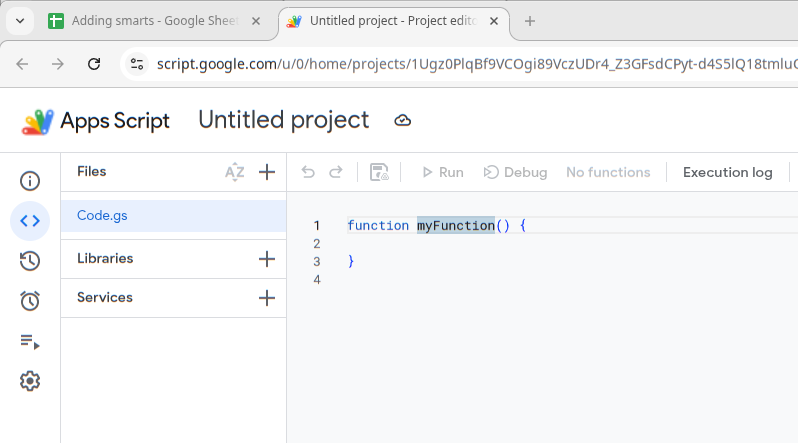
We can write a HELLO function, and another function test_HELLO to test calling it:
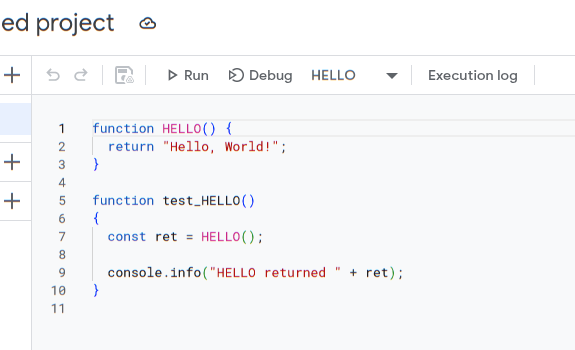
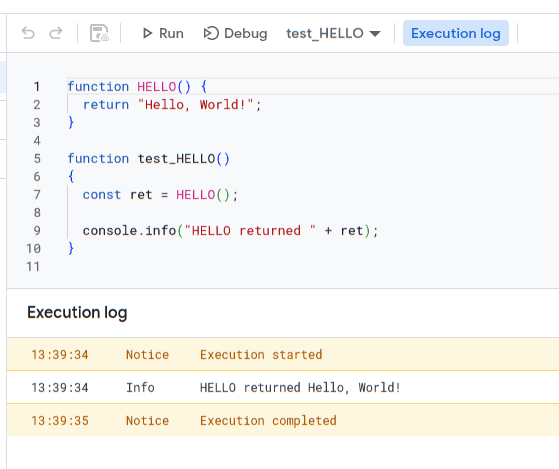
We can choose test_HELLO from the drop-down, then hit Run to run it:
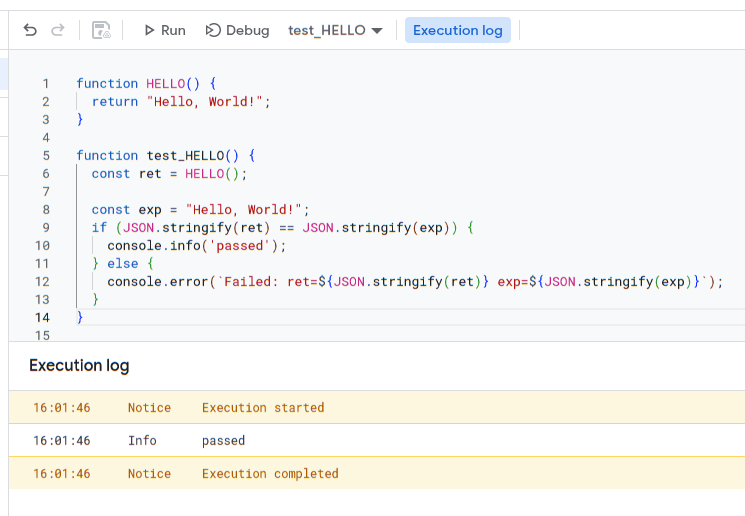
We can also make a version of the test function which compares the returned result to the expected result. (We’ll see this technique used more in the next article)
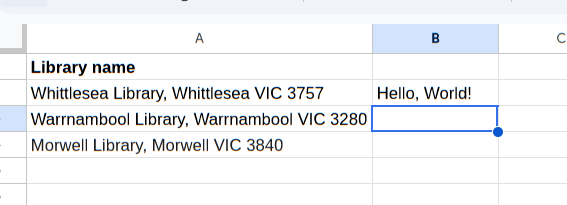
We can now return to the sheet, and try calling HELLO:
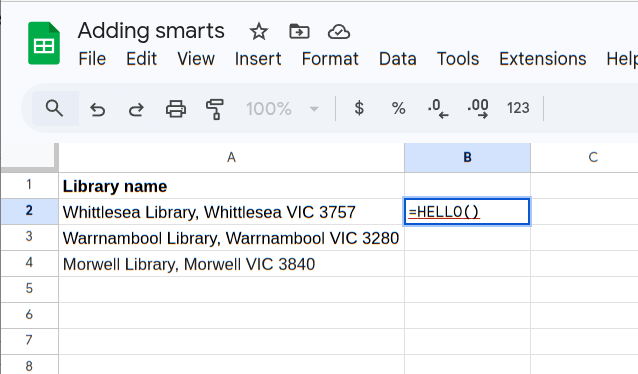
Press Enter, and we can now see the result, passed back from the HELLO App Script function:
App Script gives access to the Google Maps API. Let’s create a function called GEOCODE which uses the Maps geocode function to convert an address to a lat/long:
/**
 * Returns latitude and longitude for a given address.
 * @param {string} address The address to geocode.
 * @return {string} Latitude and Longitude (e.g. "37.422, -122.084")
 */
function GEOCODE(address) {
  if (!address || address === "") {
    return "No address provided";
  }

  try {
    var geocoder = Maps.newGeocoder().geocode(address);
    var result = geocoder.results[0];

    if (result) {
      var lat = result.geometry.location.lat;
      var lng = result.geometry.location.lng;
      return lat + ", " + lng;
    } else {
      return "Address not found";
    }
  } catch (e) {
    return "Error: " + e.toString();
  }
}
I’ve also added a test function, which gives this result:
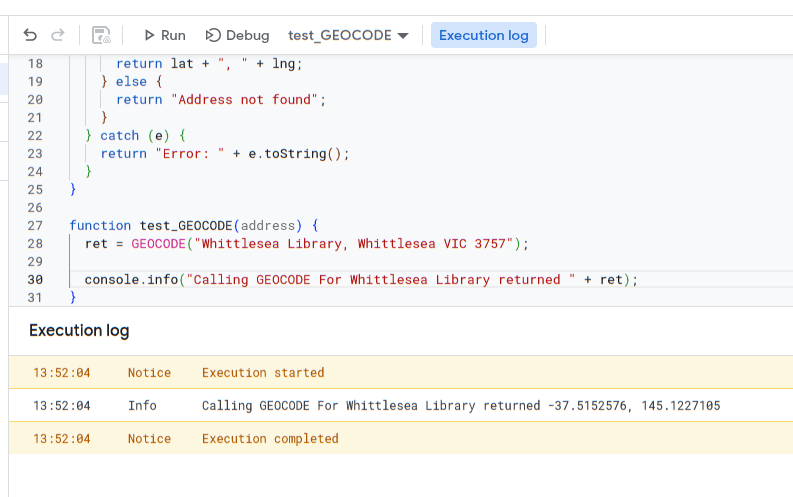
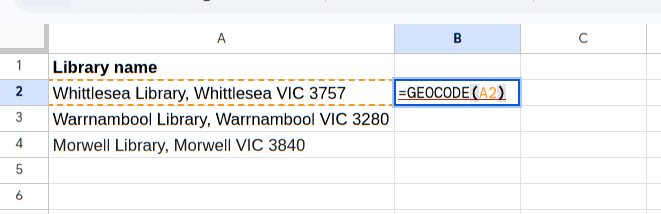
The lat/long isn’t the same as we saw in the URL for Google Maps, but it’s close enough. Now we can call the function from our sheet:
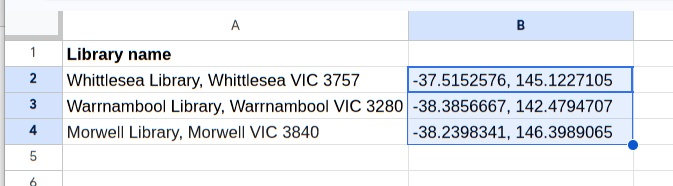
Giving this result:
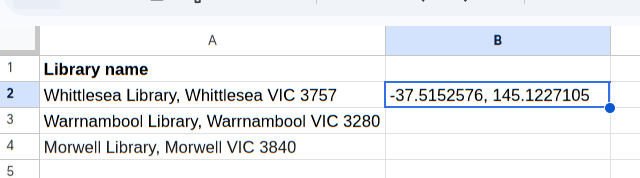
Which we can then copy down:
Next: Importing internet data into Google Sheets with App Script